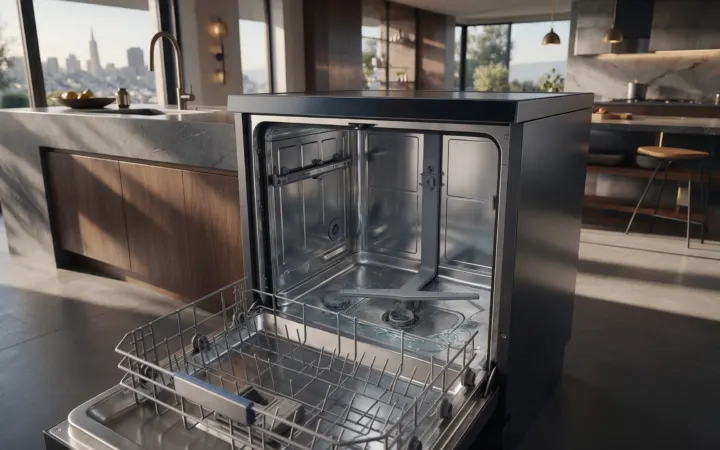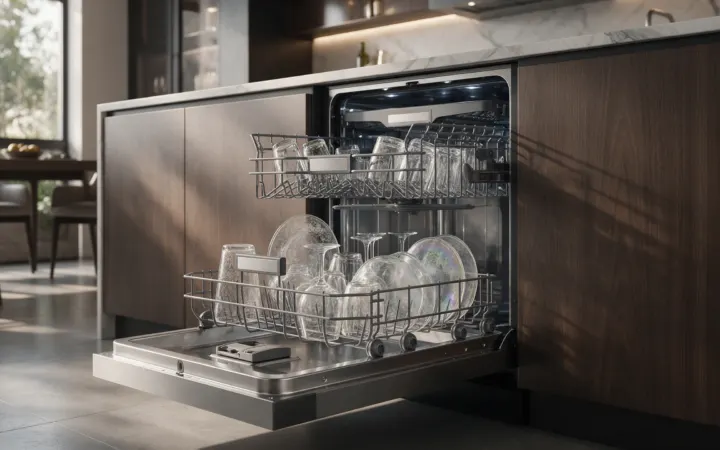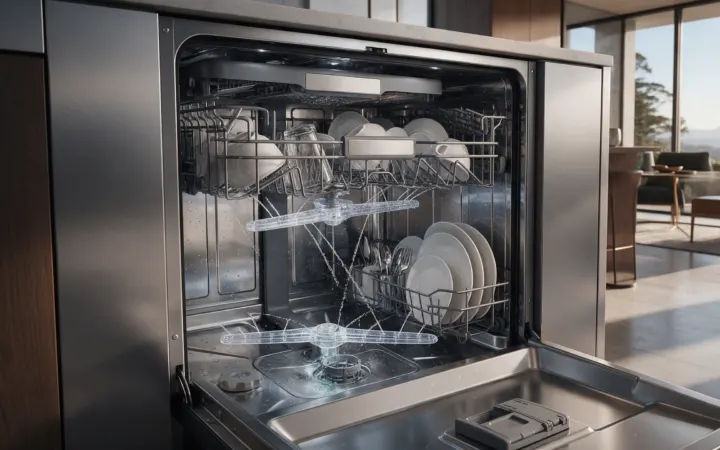
A mid-cycle stop can involve door sensing, fill, drain, motor status, temperature sensing, power, or control communication; the stage where it stops is the key clue.
Dishwasher diagnosis becomes more precise when the cycle stage is preserved: fill, wash/circulation, drain, dry, or door/dispensing behavior.
This San Francisco version is written as a repair and troubleshooting reference, not a parts-order guide. Viking has multiple product families and generations, so exact model identity matters before a symptom, code, or repair procedure is treated as model-specific.
Separate the symptom from the parts guess
Build a timeline: start, fill, first wash, drain, refill, rinse, drying. The closer you can place the stop in that sequence, the less guesswork is required.
The most important distinction is between an observation and a diagnosis. “Warm refrigerator,” “dishwasher stopped,” “burner flame changed,” “oven is slow,” or “cooktop shut down” describes what the appliance did. It does not yet identify the failed component.
A strong service description usually includes three things:
- What the appliance was asked to do.
- What it actually did instead.
- When the difference appeared.
That pattern is more useful than replacing several settings, resetting repeatedly, or assuming the most expensive component has failed.
Build a useful symptom history
Before changing multiple variables, record:
- the complete Viking model number from the rating label when safely accessible;
- the affected compartment, burner, zone, cavity, cycle stage, drawer, or control;
- whether the symptom is constant or intermittent;
- what still operates normally;
- any code, alarm, flash pattern, icon, or breaker event;
- when the symptom first appeared;
- whether it followed cleaning, installation work, a power event, plumbing work, weather exposure, loading changes, or another relevant change;
- the San Francisco service ZIP code.
If the appliance is built-in, integrated, outdoor, or otherwise difficult to access, also note cabinetry, trim, stairs, gates, elevators, tight clearances, or outdoor-kitchen access. Do not move a heavy appliance just to investigate a symptom.
Systems that may be involved
The documented Viking troubleshooting layer identifies several possible directions:
- Door or latch sensing interruption. A door that moves or fails to register closed can pause or cancel operation. Treat it as one possibility to compare against the actual operating pattern.
- Water-fill or level problem. The control may stop if the expected water level is not reached or is detected incorrectly. A technician may need to distinguish this from other conditions that can look similar from the outside.
- Drain restriction or pump fault. A cycle can halt when water cannot be removed as expected. This is a diagnostic direction rather than proof that this one item has failed.
- Wash motor/status issue. Motor-control problems can appear after filling, when circulation should begin. The exact Viking model determines how this area is arranged and tested.
- Power, sensor, communication, or main-control problem. Electronic faults can stop the sequence and may produce a repeatable flash code. Treat it as one possibility to compare against the actual operating pattern.
More than one condition can exist at the same time. The same visible symptom can also be created by a different system on another Viking model, which is why parts should not be selected from the symptom alone.
The correct sequence is to rule out safe external conditions first, preserve any error or alarm information, then move to model-specific diagnosis if the problem remains.
Checks that stay outside the appliance
These checks stay at the owner-accessible level:
- Check: Photograph all flashing lights. Do this before holding START or disconnecting power.
- Record: Note the exact cycle stage. Listen for whether the unit had filled, was washing, or was draining immediately before the stop.
- Verify: Check door closure. Make sure racks or large items are not pushing against the door.
- Compare: Check household power. Confirm the breaker did not trip and other loads are normal.
- Owner-safe step: Inspect only owner-accessible filters and visible hoses. Do not remove the kick plate or access live components.
Change one thing at a time. If the symptom improves, record exactly what changed. If it does not, avoid layering on more resets or unrelated adjustments that can erase useful diagnostic context.
Do not use a generic internet repair procedure as a substitute for the owner documentation that applies to the exact Viking model.
Stop-use conditions
Stop repeated restart attempts if the dishwasher leaks, overfills, smells hot, trips a breaker, or immediately returns to the same fault pattern.
Do not reach live electrical parts, defeat door-switch behavior, or dismantle pumps and valves as an owner-level repair. If active leaking reaches electrical areas, stop using the dishwasher and address the safety condition first.
Additional stop-use conditions include smoke, visible arcing, persistent burning/electrical odor, repeated breaker trips, uncontrolled heating, water reaching electrical components, damaged cooking glass, or any situation where normal operation appears unsafe.
If a safety condition is present, the goal is not to “finish the test.” Leave the appliance off and move to the appropriate service or safety response.
Model-specific diagnostic path
With the failure stage known, diagnosis can focus on latch/door sensing, fill/level system, drain path, motor control, temperature input, wiring, communication, or main control rather than testing every subsystem equally.
Professional diagnosis should start by confirming the exact model and reproducing or evaluating the reported behavior when practical. The technician can then test the relevant system in an order that fits the appliance rather than replacing a component because an online symptom list says it is “usually” the cause.
Depending on the model, service may need to compare:
- utility or power conditions;
- installation and ventilation;
- sensors or switches;
- controls and communication;
- heating, cooling, ignition, water, drain, airflow, or mechanical systems;
- wiring and connectors;
- protected internal components that are outside homeowner troubleshooting.
The repair recommendation should follow the test results.
Use models and codes correctly
Use Viking Models to keep the symptom attached to the correct product generation.
If the appliance displays a code, alarm, message, or flash pattern, save it before resetting and use Viking Error Codes. The Viking error-code library is platform-specific: the same short code can mean something different on another control generation.
A few important examples from the corrected library:
- refrigerator E1 is not one universal meaning across every refrigeration platform;
- older oven F1 and EOC4 F01 are separate diagnostics;
- cooktop FC and Fc are separate case-sensitive records;
- some displays are alarms or maintenance indicators rather than hardware failures.
Do not link every error code to every model unless the product/platform relationship is supported.
When a reset is useful—and when it is not
Record the code or symptom first. If there is no gas odor, leak near electrical parts, arcing, severe overheating, repeated breaker trip, damaged microwave door, or another unsafe condition, one normal model-approved restart may help establish whether the condition was temporary.
If the same behavior returns, repeated resets usually add little value. A returning symptom is useful evidence for diagnosis.
Repair or replacement?
A symptom by itself does not answer the repair-versus-replace question.
Useful decision factors include:
- the system actually diagnosed;
- current and legacy model status;
- parts availability for the exact model;
- overall appliance condition;
- installation and access complexity;
- whether other major functions remain healthy;
- the scope and cost of the confirmed repair.
Built-in refrigeration, ranges, ovens, ventilation, wine storage, and outdoor products can have installation constraints that make replacement more involved than simply buying another appliance.
Before booking service
When requesting Viking appliance service in San Francisco, send:
- the complete model number;
- the exact symptom;
- any code, alarm, or display photo;
- the operating mode or cycle stage where the problem appears;
- what still works normally;
- safe checks already completed;
- relevant access/installation details;
- the service ZIP code.
This article does not create or imply separate local offices.
Request Viking service
If Viking dishwasher stops mid cycle remains the problem after the safe owner-level checks, request model-aware Viking appliance diagnosis for San Francisco. Include the model number, the exact operating pattern, and any display information so the service path starts with the right product context.
Technical sources
- Viking 451 Series Built-In Dishwasher Use & Care Manual F20879C: https://www.vikingrange.com/MEDIA_CustomProductCatalog/m6004836_F20879C_EN_451_Series_Built-In_Dishwashers.pdf
- Viking dishwasher Use & Care Manual F20859: https://www.vikingrange.com/MEDIA_CustomProductCatalog/m4510042_F20859.pdf