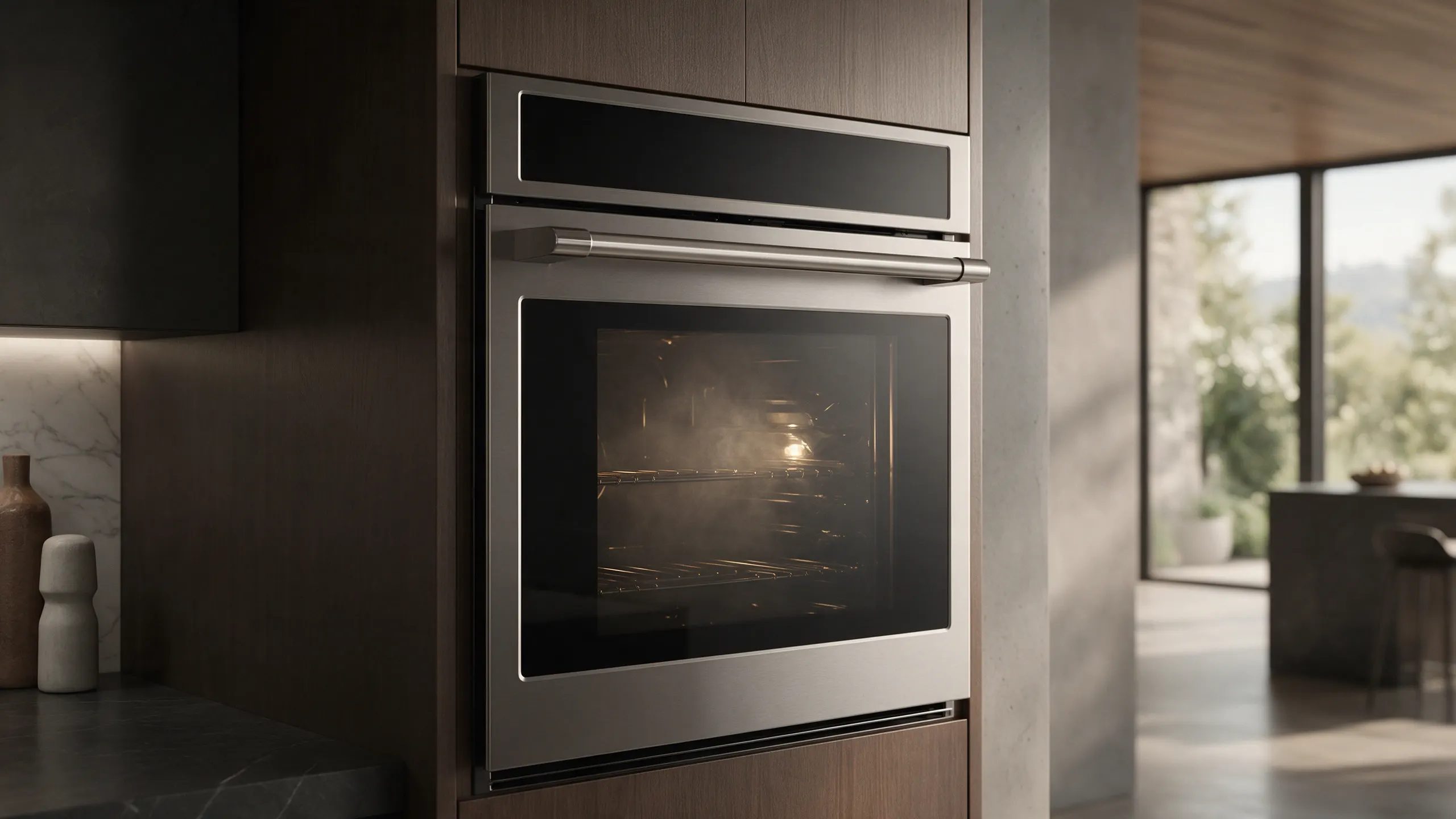
If a Viking oven door stays locked after a self-clean, the usual reason is that the oven is still hot or the control has not yet released the latch, and the safe move is to wait and leave the handle alone. A door that stays locked long after the oven has cooled, or one that shows a code, points to the latch or its switch.
How long the lock holds after a cleaning cycle
A self-clean cycle heats the cavity far beyond normal baking, and the lock is there to keep the door shut until it is safe. The lock releases when the control decides the oven has cooled, not when the cycle finishes. So the first check is simply time and temperature: let the oven rest with the control left alone, and do not pull on the handle, which can bend the latch or damage the door.
It also helps to know that the lock lights on the display. If the clean indicator is still lit or the lock message remains on, the control still believes the oven is hot. Look at whether the cycle actually ended or was cancelled partway, because a cancelled cycle can leave the latch in an odd position.
Codes tied to the latch and door switch
Viking lists several codes that involve the lock and the door sensor. Write down exactly what is shown and which indicator flashes:
| Code | Meaning as listed |
|---|---|
| F01 | Door latch: door lock not in unlocked position during cook or locked position during clean (critical, priority A) |
| F07 | Door switch: door open during CLEAN, latch or door sensor failed, or door opened right after selecting CLEAN |
| F09 | Runaway oven temperature above 650F for over 10 minutes with the door unlocked |
| F10 | Improper self-clean selection: a delayed self-clean was attempted |
The meanings of the flashes are specific. F01 is shown as the Clean light flashing once with the Cycle light off, and F07 as Clean on with Cycle flashing seven times. Our Viking wall oven F7 page goes through the door switch fault in more detail, and the F9 page covers the temperature message.
Why a delayed clean or an early door opening causes trouble
F10 is worth understanding because it comes from how the cycle was set up. A delayed self-clean is not permitted, and the control flags it. F07 can appear when the door is opened right after CLEAN is selected, before the latch has engaged. Both leave the oven in a state where the latch and the cycle do not agree, and that is sometimes the reason a door will not unlock afterward.
If you remember pressing something unusual, or opening the door during the first moments of the cycle, tell the technician. It helps them separate a user-sequence problem from a failed latch.
What not to do
Do not force the door, pry at the gap, or cut power to try to release the lock on a hot oven. Forcing risks breaking the latch assembly and the door glass, and a hot cavity can hurt you. Turning the oven off at the control and giving it time is the right first step. If you do switch off at the breaker to clear a transient fault, wait for the oven to cool fully before touching the door.
These models vary. A VIR5302 induction range is listed with an oven of 4.7 cu. ft. overall and a dedicated 50 A circuit, and a VGSO166 built-in gas oven is listed at 3.6 cu. ft.. Larger cavities store more heat, so the wait before the lock releases can differ from what you remember on another oven.
What a technician does with a stuck latch
A technician confirms the oven has cooled, reads the stored code, and checks the latch motor, its switch and the wiring to the control. They can release the lock safely when needed and test whether it cycles correctly afterward. See our Viking oven repair page for the service we offer.
Why a locked door matters for the rest of the oven
A door that will not unlock is more than an inconvenience. While it is locked you cannot use the oven for dinner, and you cannot tell whether the cavity is cooling normally. If the lock stays engaged after hours, the control may have lost track of the latch position, or the motor that moves the latch may be unable to turn. In that case the oven should stay switched off until someone has looked at it, because trying new cycles on top of a latch fault only adds confusing codes.
Keep a short note of what the display showed at each stage: during the cycle, at the end, and a little later. A fault that appears only after the cycle ends is a different clue from one that appeared in the first minutes, and it shortens the visit.
Information to have ready
Give us the model and serial from the label, the code or flashing lights, when the clean cycle started, whether the cycle completed, and how long the door has been locked. Mention if the clean cycle was delayed or interrupted.
Frequently asked questions
Why is my Viking oven still locked when the cycle has ended?
The lock releases when the oven has cooled enough, which comes after the cycle ends. Wait before trying the door again.
Can I run a delayed self-clean on a Viking oven?
The code list shows F10 for an attempted delayed self-clean, so start the cycle without a delay as your booklet describes.
What does F01 mean when the door will not unlock?
F01 is listed as the door lock not being in the unlocked position during cooking or the locked position during cleaning. It indicates a latch fault and needs a technician if it persists.
Technical sources
- Viking wall-oven documentation archive: https://vikingrange.com/support-and-documentation/product-documentation/filter/category/cook_viking
- Viking owner support FAQs: https://vikingrange.com/owners/support-faqs