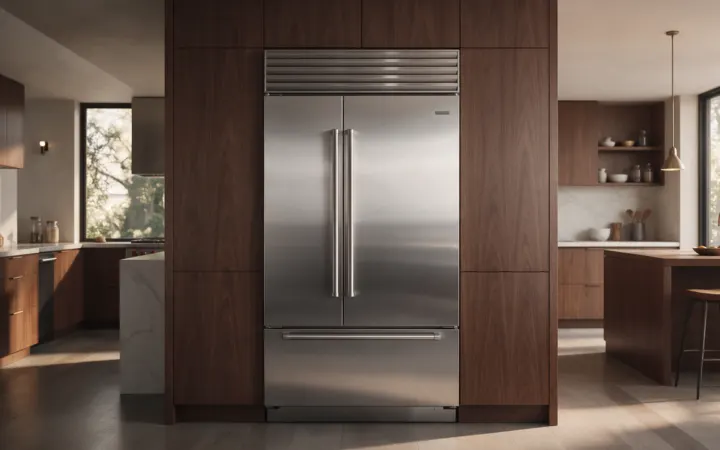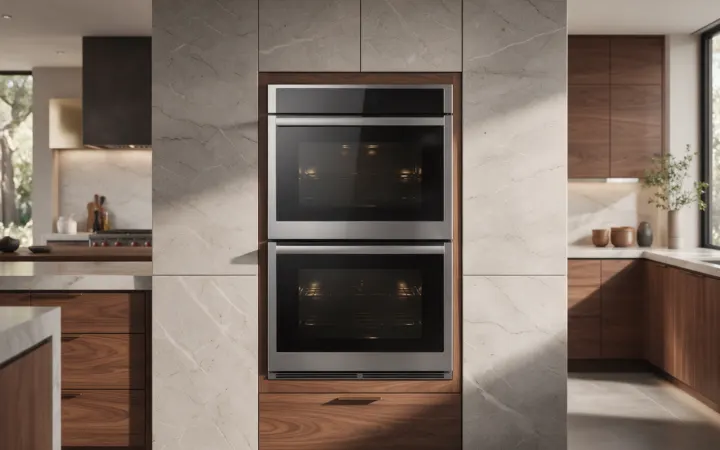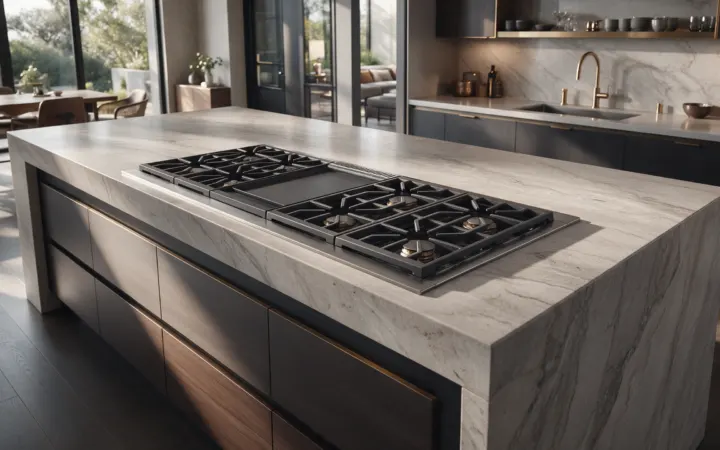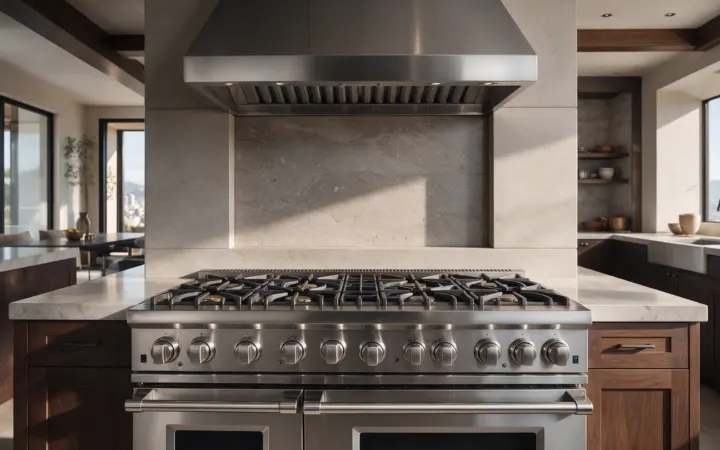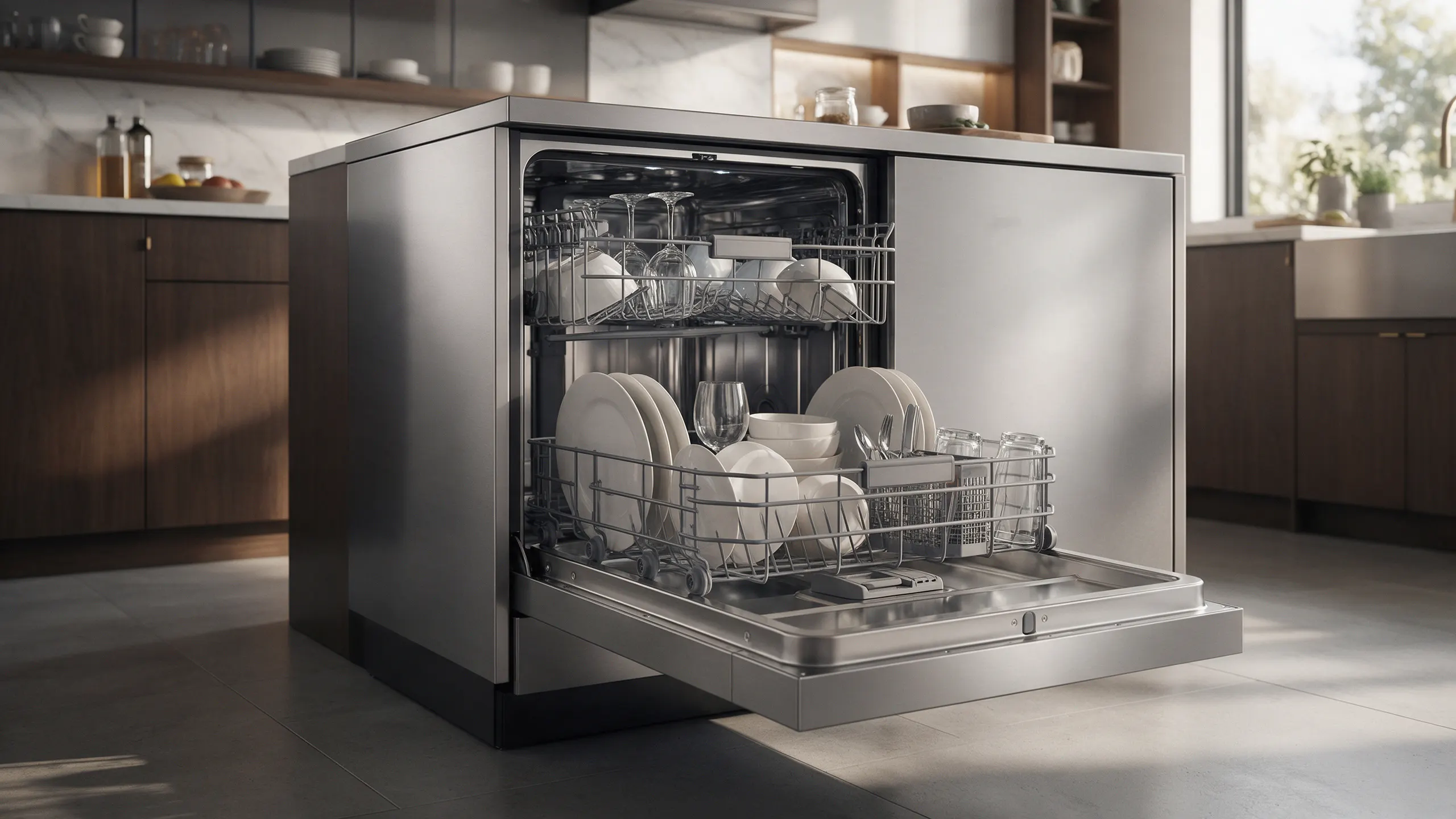
The appliance page should help users understand the product family and then move to the exact model, error-code, service, or blog layer without duplicating those pages. For a built-in dishwasher, that starts with separating a fill problem from a drain problem.
Scope of the repair
The relevant diagnostic scope can include water supply, level sensing, circulation, spray, detergent delivery, drainage, leak detection, drying, door feedback, pumps, and controls.
A visible symptom narrows the path, but it does not identify a failed part by itself. The exact Viking model determines which controls, sensors, fuel/power systems, and service documentation apply. The water inlet valve only admits water and the drain pump only removes it, so a full tub and an empty one are different faults.
Common operating problems
- Standing Water. Record whether water is only in the filter/sump area or visibly remains across the tub at the end of a cycle.
- Dishwasher Does Not Fill. This symptom can involve more than one system. Note whether there is any water entry, whether the machine times out, and whether a code appears.
- Poor Cleaning. Record when it happens and what still works normally. Loading, filter condition, spray path, water level, detergent delivery, temperature, and circulation can all affect results.
- Dishes Remain Wet. The model and operating context determine the next diagnostic step. Drying performance should be compared with cycle selection, rinse aid, loading, and whether the behavior changed from normal.
- Leak. Door-area water, plumbing leakage, and a detected pan-flood condition are different observations. Water at the door edge points toward the seal or overfilling; pooled water under the tub suggests a hose or fitting.
- Cycle Stops or Becomes Noisy. This symptom can involve more than one system. The stage where the stop/noise occurs is important: fill, wash, drain, or drying.
Model-aware diagnosis
Related Viking models include:
Use the complete rating-label model whenever possible, since look-alike dishwashers can carry different controls.
Error-code and alarm context
Related codes and alarms include:
- refrigerator
E1meanings remain platform-specific; - older oven
F1is not EOC4F01; - cooktop
FCandFcremain case-sensitive separate codes; - maintenance displays should not automatically be labeled hardware failures.
Safe owner-level checks
Owner checks should remain external, observable, and reversible.
Depending on the appliance, that can include:
- recording the exact symptom before resetting;
- checking user-removable or owner-accessible parts described by the manual;
- comparing one burner, zone, compartment, cycle, or mode with another;
- noting recent cleaning, power, loading, plumbing, or weather changes;
- saving any code, alarm, or flash pattern before a normal documented reset.
Do not defeat door safety behavior, reach live electrical parts, or dismantle pumps and valves as a homeowner repair.
When to stop using the appliance
Stop normal use for gas odor, smoke, visible arcing, persistent burning/electrical odor, repeated breaker trips, uncontrolled heat, water reaching electrical components, dangerous flame behavior, damaged glass or interlocks, or another unsafe condition relevant to the appliance.
Do not keep restarting the product simply to see whether the symptom returns.
What professional diagnosis may involve
A technician should confirm the exact model and configuration first, then evaluate the system indicated by the symptom and any verified code.
The diagnostic path may compare:
- utilities and installation;
- sensors and switches;
- controls and communication;
- heating, cooling, ignition, water, airflow, or mechanical operation;
- wiring/connectors;
- protected internal components that are not owner-serviceable.
The repair recommendation should follow test results. A dishwasher that will not drain may trace to the pump or a blocked drain path.
Current and legacy context
Viking’s model library includes current official products and retained legacy/site-only records. Current and legacy appliances can look similar while using different controls or technical documentation.
Use this appliance reference before service
Send:
- full Viking model number;
- exact symptom;
- code/alarm if present;
- affected function;
- what still works normally;
- safe checks completed;
- service ZIP code;
- access details.